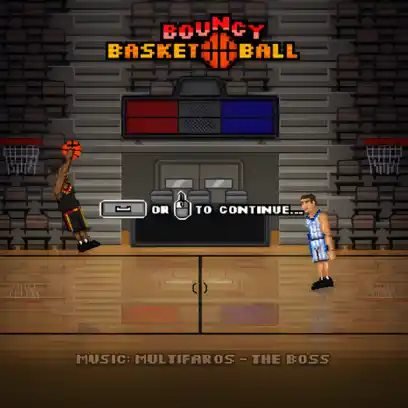
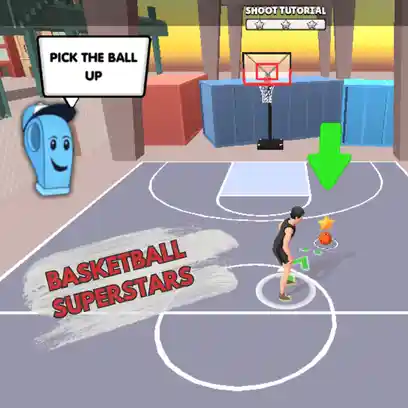
BasketBros is a popular online multiplayer basketball game where players compete in fast and exciting matches filled with action and competitive moments. This browser-based game allows players to jump straight into the gameplay without needing to download or install anything, making it quick and easy to start playing. With just a few clicks, you can enter the court and begin challenging opponents in energetic basketball battles.
Basketball Bros features fast and chaotic one-on-one or two-on-two basketball matches. Players control customizable characters with unique abilities such as powerful dunks and accurate three-point shots. The goal is to score more points than your opponent before time runs out by shooting, dunking, and using special moves. Defensive actions like steals and blocks add strategy, while power-ups and supershots make each match more exciting and unpredictable.
Choose your player and customize their look by selecting outfits and colors to create your own style. You can adjust details like sock colors and add different logos to your sweatshirt. The game features 33 unlockable characters, many inspired by famous basketball stars with humorous names such as Luka Magic and Step Flurry. As you progress through Basket Bros on classroom6x.online, you can unlock new gear like trainers, basketballs, and special moves.
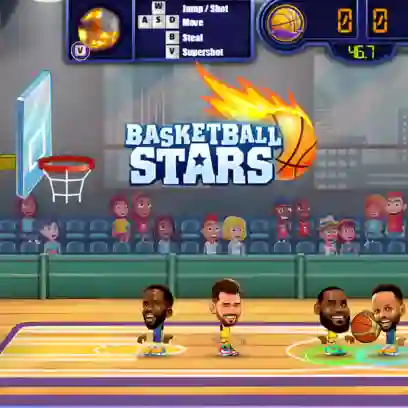
Use the on-screen touch controls to move, shoot, and steal the ball. The controls are simple and responsive, making it easy to perform dunks, blocks, and steals once you get used to them.
Face AI opponents in several different modes. Training Mode lets you practice the controls and improve your skills without pressure. Tournament Mode challenges you with stronger opponents and rewards you with unlockables. You can also play random matches for quick games against AI players.
Play with a friend on the same device. Compete head-to-head or team up for cooperative matches on colorful courts. This mode is perfect for local multiplayer fun and quick matches that create friendly competition.
Compete against players from around the world in 1v1 duels or 2v2 team battles. You can host a private room to invite friends or join random matches for intense online games. Team coordination and strategy play an important role in winning matches.
Jump straight into a game without any setup. Quick Match pairs you with AI or online opponents for fast basketball action, making it ideal for short play sessions.
You can play Basket Bros unblocked on classroom6x.online, even in restricted environments such as schools or workplaces. If access is limited, using a VPN with a different region may help. Make sure JavaScript and HTML5 are enabled in your browser to ensure the game runs properly.
Basket Bros stands out for its mix of humor, fast gameplay, and easy-to-learn controls. The exaggerated dunks and quirky characters make every match entertaining, while the simple mechanics allow new players to jump in quickly. With multiple modes including solo play, local multiplayer, and online matches, the game offers plenty of variety. Unlockable characters, outfits, and courts keep the experience fresh, making it a fun basketball game to return to again and again on classroom6x.online.
Press the Spacebar when you are close to your opponent to attempt a block.
Check your internet connection and make sure classroom6x.online is not blocked. Disabling ad blockers may also help the game load properly.
Simply launch the game and start a match to begin scoring baskets and performing dunks.
For the smoothest experience, Google Chrome works best. The game may also run on Mozilla Firefox and Safari, though performance can vary depending on your setup